01 / SCAN
Choose a folder or disk.
Pick a location in the macOS picker and start the scan. Hidden files and folders are always included. Unreadable items are listed, so you know the limits of a scan.
 INDEXABYTE
DISK / STORAGE / MAC
Find large files and folders, including hidden items. Save a complete snapshot and return to it when you need it.
Everything happens on your Mac. No account. No analytics. No upload.
Explore the workflow01 / SCAN
Pick a location in the macOS picker and start the scan. Hidden files and folders are always included. Unreadable items are listed, so you know the limits of a scan.
02 / EXPLORE
Rank files and folders by file size or allocated size. Switch to an expandable hierarchy, search any name or path, or check for matching filenames.
03 / KEEP
Save every result from a scan and reopen it without the disk attached. Star items in Review later. Export CSV or a one-page PDF summary.
A crisp black-and-white interface and monospaced type keep the focus on your storage.
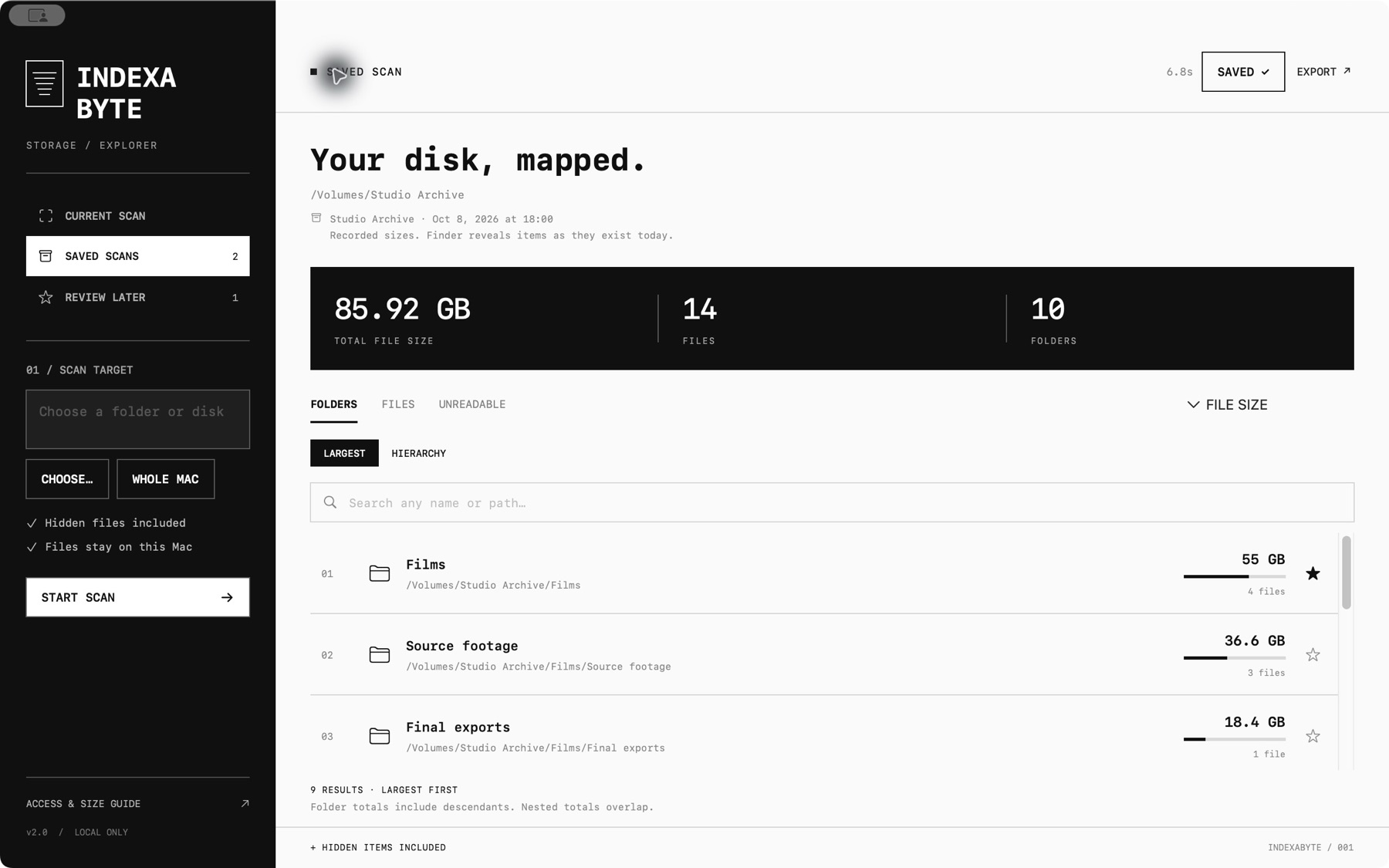
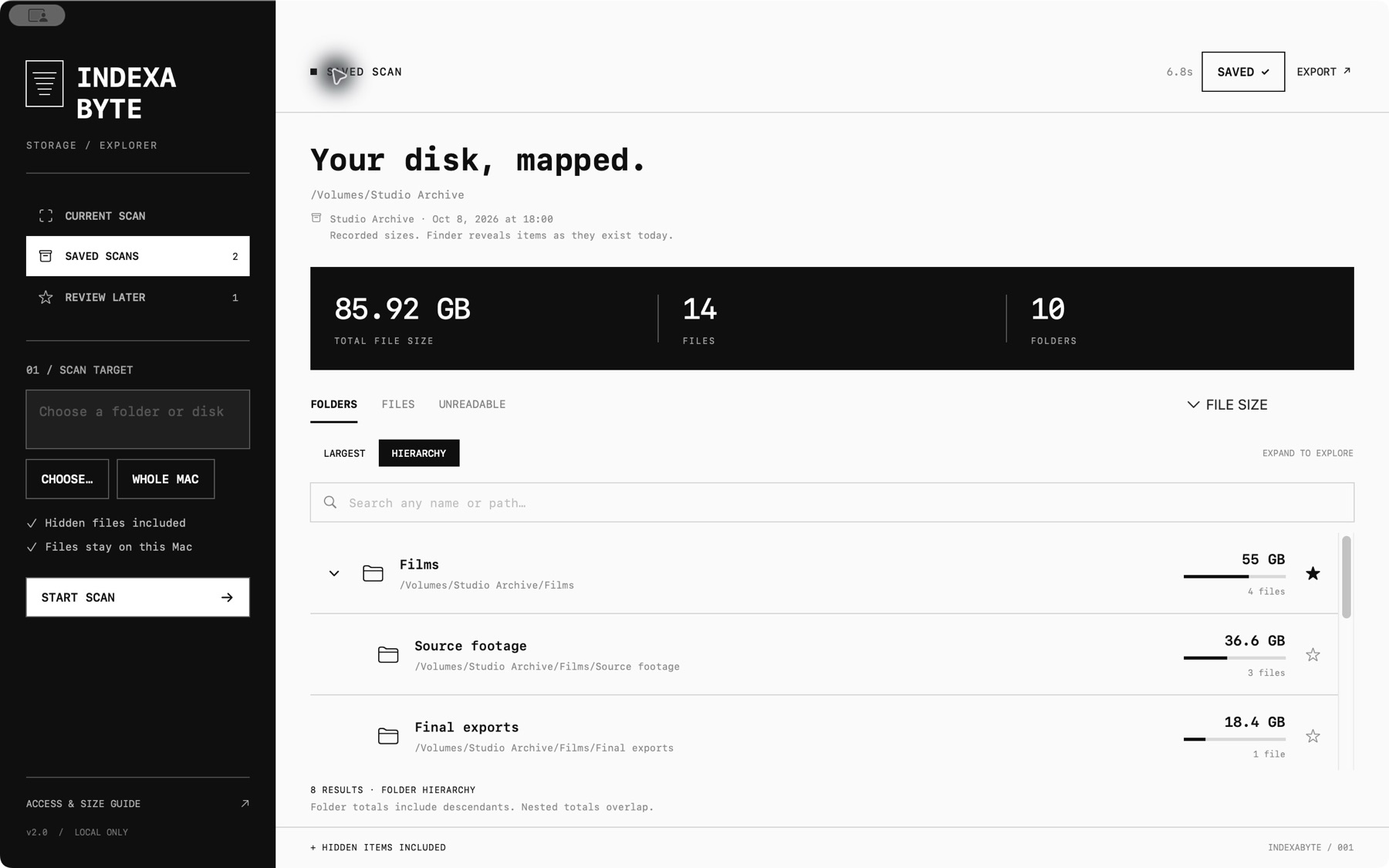
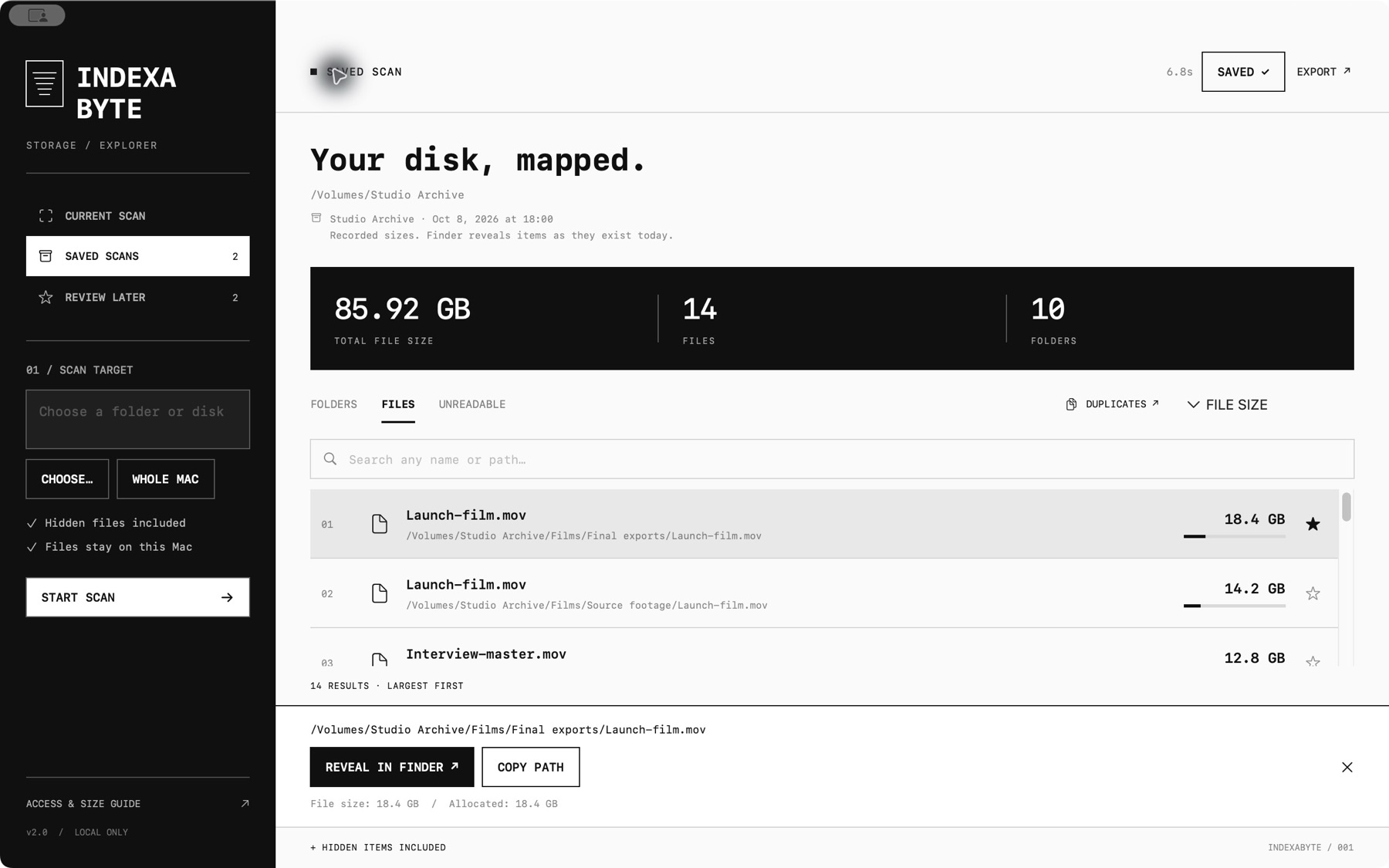

Folders opens largest first. Switch to Hierarchy to expand branches and keep parents and children together.
File Size is the reported length of a file. Allocated is the disk space reported for its blocks. Cloud-only and sparse files can differ.
Search every scanned name or path. In Hierarchy, matching branches expand.
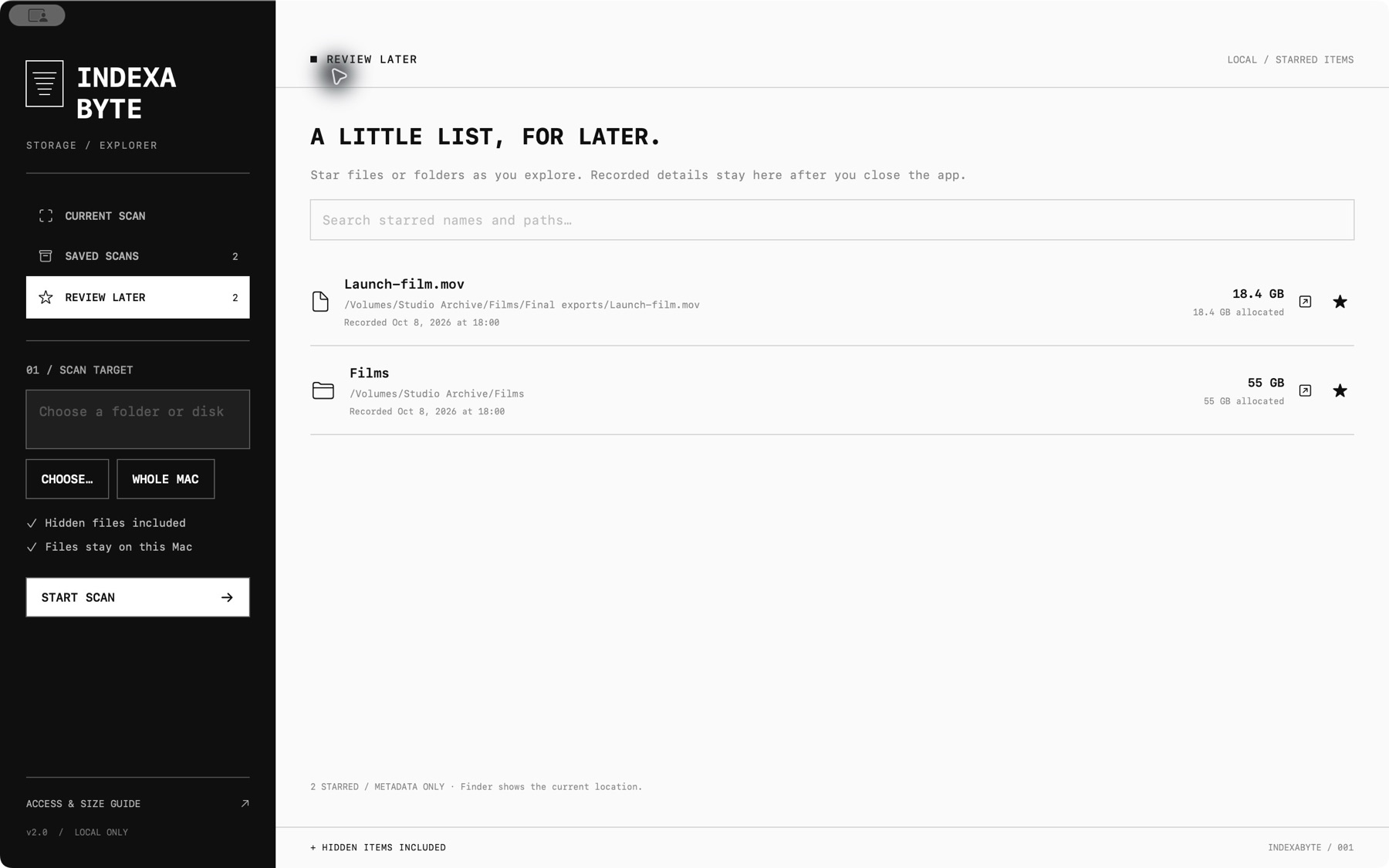
Star a file or folder to keep its recorded details in a shortlist that survives closing the app.
Save the whole scan, beyond the rows on screen. Reopen, rename or export it later, even with the disk disconnected.
Group files that share exactly the same name and extension. Matching names do not prove matching contents.
Export the largest items, the displayed rows or the complete scan as CSV, or a one-page PDF overview. A private PDF hides names and paths.
Jump to any item in Finder. Indexabyte never deletes, moves or edits your files.
Indexabyte reads file names and size metadata. It does not open the contents of scanned files. Saved scans and review stars remain in the app's local macOS container.